When something goes wrong
The most common symptoms, what usually causes each one, and what to do. In the order they show up.
The screen went white / the app does not open
Almost always a build error: the AI wrote something that does not compile. The assistant usually notices on its own and says so, offering to fix it there and then. Fixing that costs no credits, because the defect is ours.
If it did not warn you:
- ask in the chat: "the app is showing a white screen, look at the build error and fix it";
- if the first attempt does not solve it, use Undo last edit and ask for the change again, being more precise about what must not be touched.
Stacking prompts on top of a broken app usually adds a second problem to the first.
The AI broke something that worked
Undo last edit, at the top of the chat. To go further back, the History lists the saved versions and each one has Restore.
Restoring does not erase what came after: it creates a new version with the old content, so you can restore, dislike it, and come back.
The preview is showing an old version
Reload the Studio page. If it persists, check whether the build of the last change finished: while it runs, the preview deliberately stays on the previous version so you are not looking at a half-built app.
I published, but the live app differs from the preview
Two causes, in order of likelihood:
- you edited after publishing. The preview shows the draft, the public sees the last publish. Publish again;
- browser cache. Test in a private window before concluding the publish failed.
I hit the Free message limit
Free is 5 messages a day and 40 a month. When you hit the limit, the published app stays online: what stops is building, until the next day, until the month turns, or until you subscribe.
Meanwhile everything that is not AI stays open: editing from the preview, Brand, Data, Integrations, Domains, publishing. You can get a lot done without spending a message.
I lost data from the app
Version history covers the code, not the records. If data was deleted by an action inside the app, Undo does not bring it back.
Before touching anything, export what still exists from the Data tab, then open a support ticket with the app and the approximate time. The sooner the better.
The integration is configured but does not work
A filled-in field is not the same as a working integration. A credential can be saved and be the wrong one, be expired, or lack the necessary permission on the provider's side.
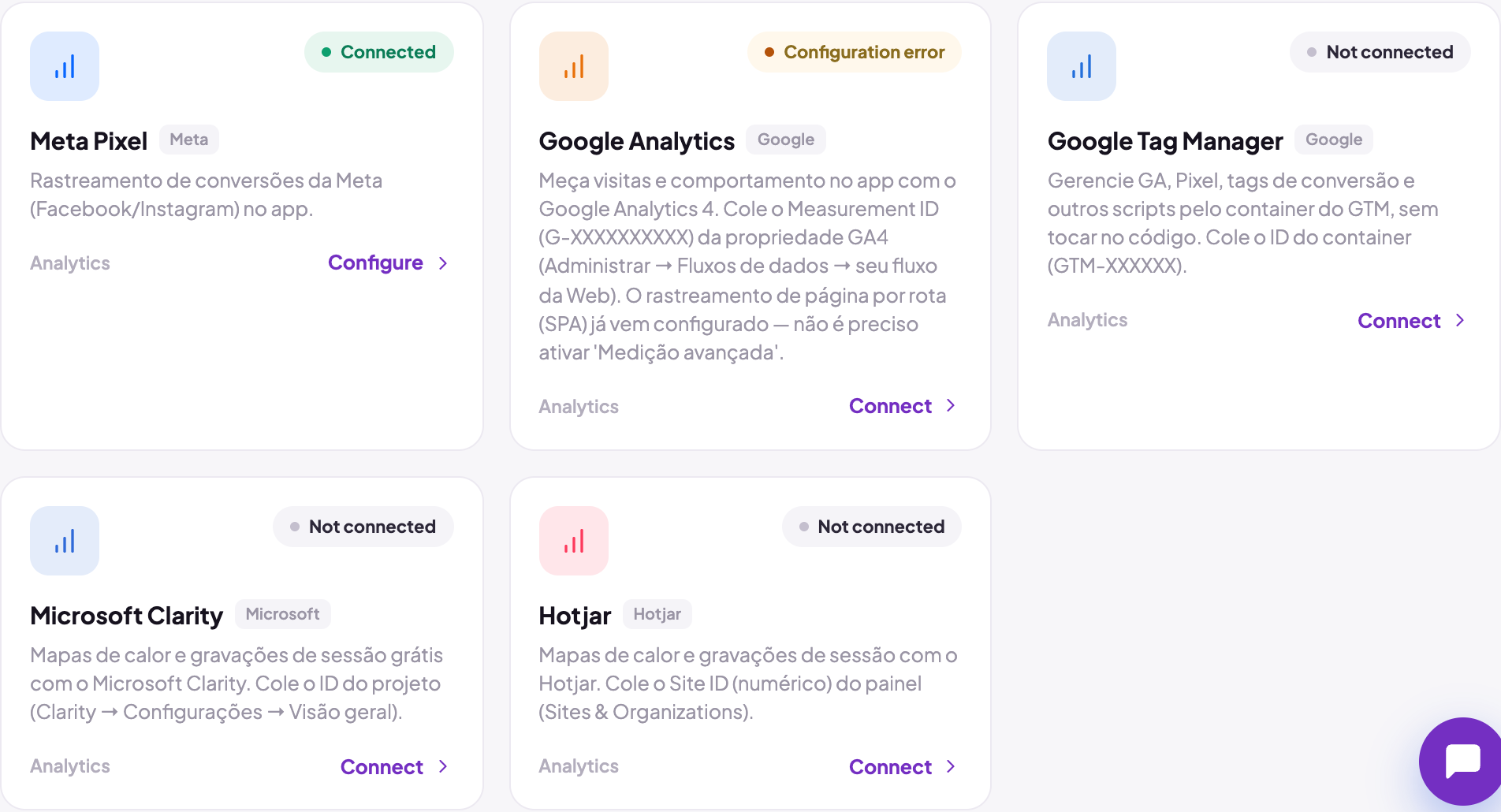
The integration's card shows when it is saved but has a problem: the badge turns into Configuration error. The way out, then, is to revalidate the credential at the provider, not to retype the same value. What each state of the card guarantees, and which cards test the credential on save, is in Activating integrations.
The assistant said something wrong about the platform
It happens, and it is useful to recognise: if it names a screen, a field or an address you cannot find, trust the screen, not it. Published apps live at *.fabapp.app or at your own domain, and there is no other platform domain.
When to open a ticket
Open one when: data was lost, a charge does not add up, the published app went down, or the same defect came back after two attempted fixes. Send the app's address, the approximate time and what you had just asked for. Those three shorten the exchange more than any long description.